How to Put a Screenshot in an iPhone or MacBook Mockup
Place a screenshot inside an iPhone, MacBook, or Apple Watch frame online for free. Choose single or multi-device layouts and export a clean PNG with no watermark.
Por Kartik Labhshetwar, criador do Screenshot StudioAtualizado em 2 min de leitura
Resposta rápida
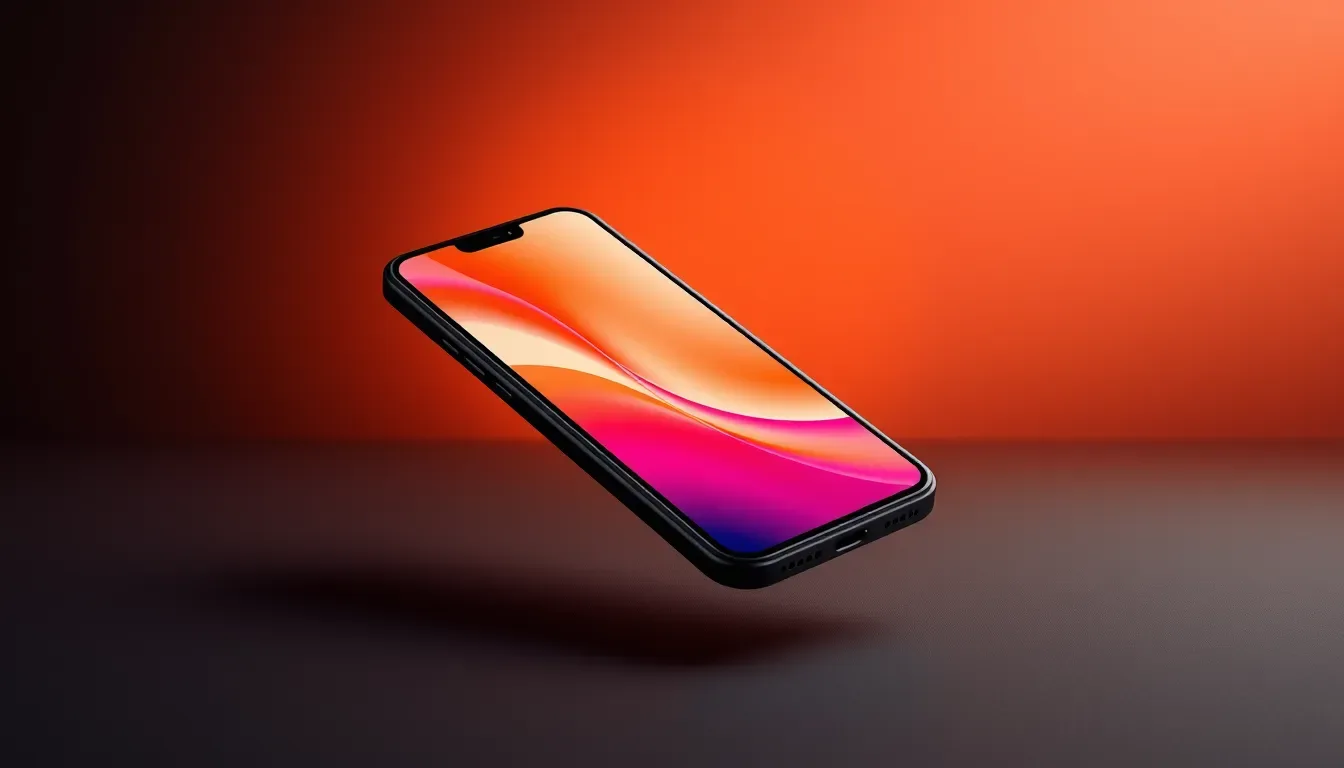
Upload your screenshot to Screenshot Studio, switch the toggle at the top of the Design tab to Device, and pick a Phone, Watch, or Laptop frame such as iPhone 17 Pro or MacBook Pro. Choose a layout, add a background, and export. It is free with no watermark.
Passo a passo
- 1
Open the editor and add your screenshot
Go to screenshot-studio.com/editor and paste with Cmd+V (Ctrl+V on Windows), drag the file onto the page, or click to browse. PNG, JPG, and WebP files up to 100MB work, and there is no account to create.
- 2
Switch to Device mode
At the top of the Design tab, change the toggle from Image to Device. The panel shows Phone, Watch, and Laptop tabs.
- 3
Choose a device
Phones include iPhone 17 Pro, iPhone 17, iPhone 15, iPhone 14 Pro, and iPhone 13. Laptops include MacBook Pro and MacBook Air models, and there are several Apple Watch frames.
- 4
Pick a layout
Center Stage shows one device. Editorial Offset, Duo Split, Duo Depth, Trio Fan, and Product Suite arrange several devices for launch images.
- 5
Finish the scene
Pick a background in the BG tab, and use the 3D tab to tilt the whole scene if you want more depth.
- 6
Export or copy the result
Open Save in the top bar, pick PNG, JPEG, or WebP, choose 1x, 2x, or 3x resolution, and download. Copy puts a 2x PNG on your clipboard so you can paste it straight into Slack, Docs, or an email.
Use a screenshot that fits the device
A phone mockup looks right when the screenshot was taken on a phone, or at least at a tall portrait ratio. Dropping a wide desktop capture into an iPhone frame squeezes the UI. For desktop captures, use a MacBook frame or Browser mode instead.
Where device mockups fit
Device frames tell people what platform they are looking at before they read a word. They work well for app landing pages, Product Hunt galleries, investor decks, and social launch posts.
- App Store listings have strict pixel sizes, so use the App Store screenshot generator for those.
- For Android phones or iPads, check our mockup generator roundup for tools that cover them.