How to Add a Browser Window Frame to a Screenshot
Wrap a website screenshot in a Safari or Chrome browser window, in light or dark, with your own URL in the address bar. Free online, no signup, no watermark.
Por Kartik Labhshetwar, criador do Screenshot StudioAtualizado em 2 min de leitura
Resposta rápida
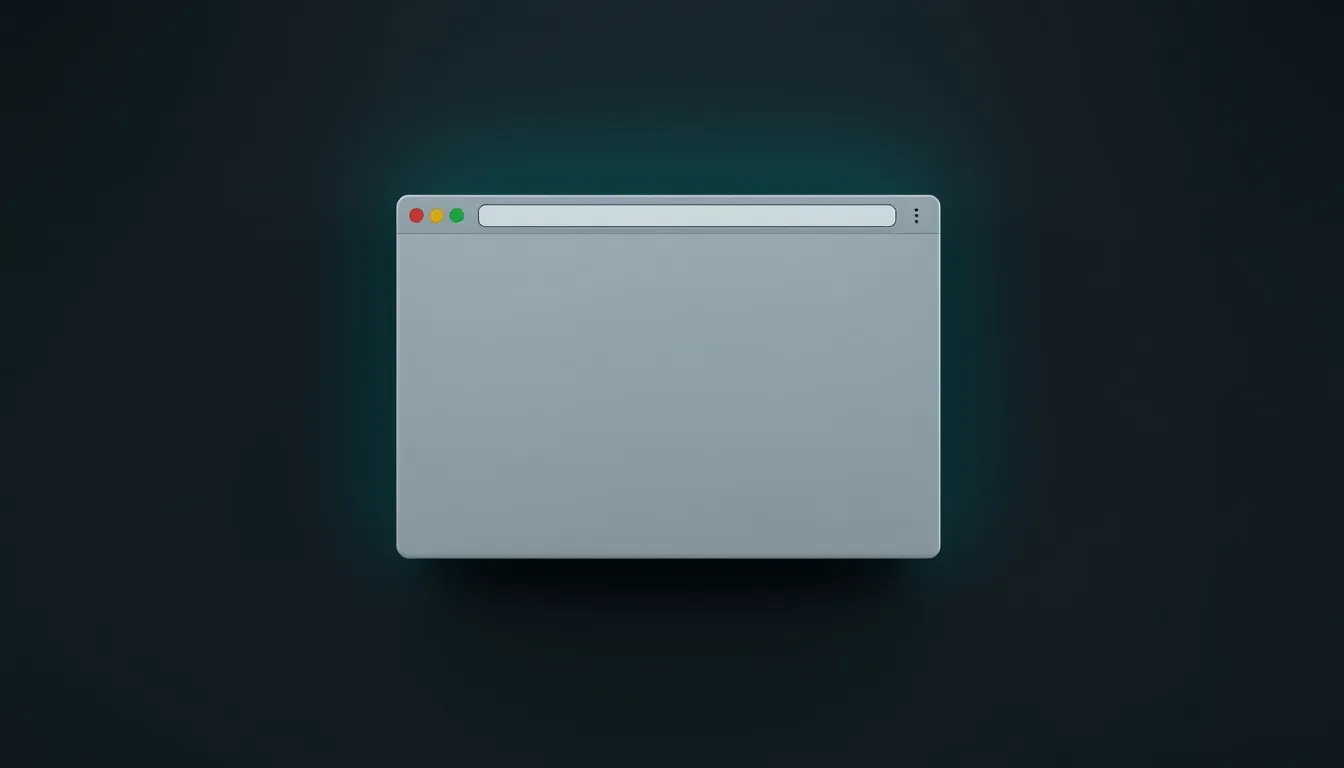
Upload your website screenshot to Screenshot Studio, switch the toggle at the top of the Design tab to Browser, and pick Safari, Safari Dark, Chrome, or Chrome Dark. Type your URL into the address bar field, adjust the header size, add a background, and export.
Passo a passo
- 1
Add a screenshot or capture a URL
Paste, drop, or browse for a screenshot in the editor. You can also type a website address into Enter website URL on the empty canvas to capture the page at 1920x1080 in light or dark mode.
- 2
Switch to Browser mode
At the top of the Design tab, change the toggle from Image to Browser.
- 3
Choose the window style
Pick Safari or Safari Dark for a macOS window, or Chrome or Chrome Dark for a Windows-style window.
- 4
Set the URL and header size
Type the address you want shown in the URL field, and scale the header from 50 to 200% so it matches the size of your screenshot.
- 5
Export or copy the result
Open Save in the top bar, pick PNG, JPEG, or WebP, choose 1x, 2x, or 3x resolution, and download. Copy puts a 2x PNG on your clipboard so you can paste it straight into Slack, Docs, or an email.
Why a browser frame helps
A bare website capture has no context: it could be a design file, an app, or a random image. A browser frame says this is a live website, and the URL in the address bar tells people where to find it. That is why browser frames are common on landing pages, portfolios, case studies, and changelogs.
Get a clean capture
Frames look best around a capture of just the page content, without your own browser's tabs and toolbar. Hide cookie banners and chat widgets first, or use the URL capture on the empty canvas to grab a clean 1920x1080 view.